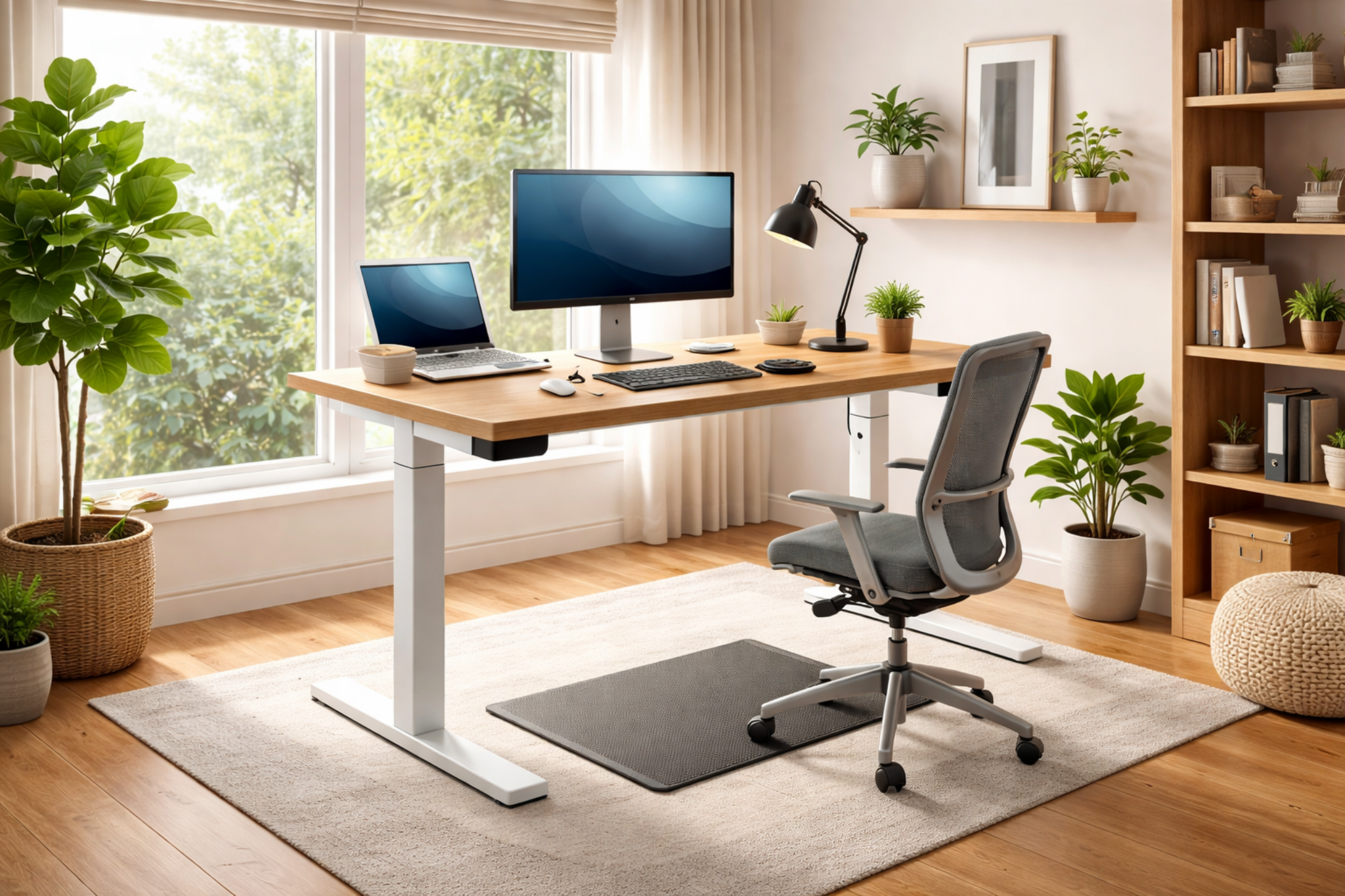

Choosing the right electric sit stand desk is only half the job. Where you place it in your home can make a big difference to your comfort and productivity. In particular, it affects how often you actually use the standing function. A poorly positioned desk can lead to glare on your screen, feeling cramped or cables everywhere. A well-placed desk can make working from home feel easier and more natural.
Below are practical ideas to help you get the most from your electric sit stand desk, whatever space you’re working with.
Start With Natural Light, Not Direct Sunlight
Natural light helps reduce eye strain and keeps your workspace feeling open. Ideally, place your sit stand desk near a window, but not directly facing it. If your screen is facing the window, glare can be a constant problem. If the window is behind you, light can reflect off the screen.
The best position is usually with the window to one side of your desk. This gives you daylight without washing out your display. If that’s not possible, use blinds or curtains to control light during brighter parts of the day.
Allow Space to Move When Standing
An electric sit stand desk needs more space than a fixed desk. When you’re standing, you’ll naturally shift your weight, adjust your feet or step back slightly. Make sure there’s enough room behind and around the desk to do this comfortably.
As a rough guide, aim for at least 80–100 cm of clear space behind the desk. This also helps when raising or lowering the desk, especially if you use a desk chair with arms or a footrest.
Using Corners in Smaller Rooms
If you’re working in a small bedroom or box room, a corner setup can be a smart choice. Placing your electric sit stand desk into a corner frees up floor space and keeps cables contained to one area.
L-shaped or compact rectangular desks work well here. Just check that the desk can still rise fully without hitting shelves or wall-mounted cupboards. When standing, you should still have space to step back without feeling boxed in.
Against a Wall: Clean and Distraction-Free
Placing your desk against a wall is popular for a reason. It keeps the workspace tidy and reduces distractions. This setup works particularly well if you use monitor arms, as screens can be positioned closer to the wall without sacrificing depth.
If you’re placing the desk against a wall, consider adding a cable tray underneath and a wall-mounted power strip. This keeps cables from pulling when you change the height and makes the area easier to keep neat.
Shared Spaces and Living Areas
Not everyone has a dedicated home office. If your electric sit stand desk lives in a living room or dining area, placement matters even more.
Try to position the desk where it visually blends with the room, such as along the same wall as a bookcase or sideboard. Avoid placing it in the middle of the room, as standing desks can look more imposing when raised.
Choosing a desk finish that matches your furniture also helps the space feel intentional rather than temporary.
Near Power, But Not Tethered to It
Electric sit stand desks need power, but that doesn’t mean the desk should be awkwardly pressed against a socket. If possible, place the desk close enough to reach power comfortably while still allowing airflow and movement.
Using an extension lead mounted under the desk can give you more freedom with placement and reduces the risk of cables snagging when the desk moves.
Think About Noise and Privacy
Electric motors are generally quiet, but they’re not silent. If you take calls or work early in the morning, avoid placing the desk against a shared wall or directly next to somewhere people are sleeping.
Similarly, if privacy matters, avoid placing your desk where others can easily see your screen when walking past. A slight angle away from doorways can make a big difference.
How Comfortable Standing is Depends on the Floor
Flooring is often overlooked when deciding where to put a sit stand desk. Standing on hard floors for long periods can be tiring. If your home has a choice, placing the desk over carpet or using an anti-fatigue mat can improve comfort.
If the only option is a hard floor, make sure there’s enough room to add a mat without creating hazards that can lead to tripping.
To sum up, the best place for an electric sit stand desk is one that supports how you actually work. Good light, enough space to move, sensible cable management, and a bit of privacy all help make standing feel natural rather than forced.
With the right placement, your desk won’t just fit into your home. It’ll become a comfortable, practical part of your daily routine.
Explore our latest selection of sit-stand desks. Or simply contact our team for assistance.